









Definition: A Practical View from Experience
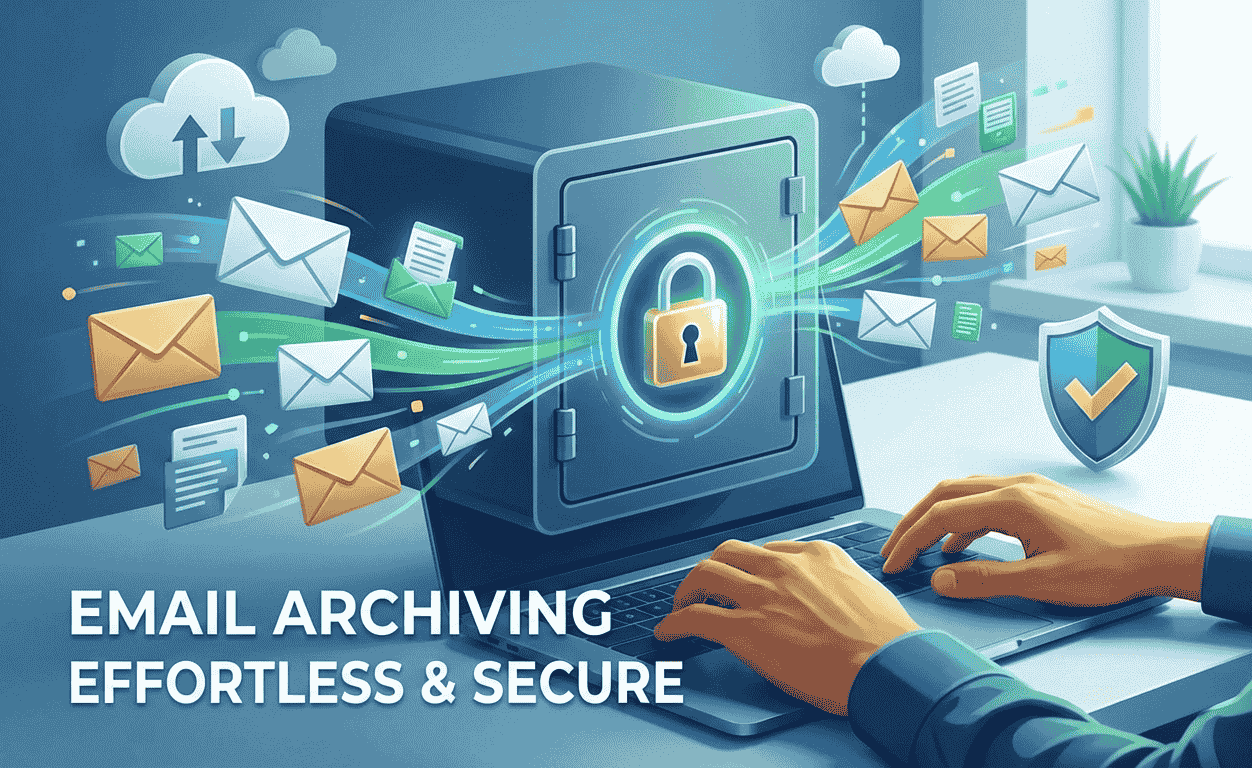
From my experience working with growing organizations, email archiving is not just a backup task but a living system for preserving daily communications in a secure, indexed, and retrievable digital format. This mechanism works like a safety net that captures every message, attachment, and thread into a centralized repository. Teams deploy such solutions for many reasons, especially regulatory compliance, where industries mandate strict retention periods for emails, including financial services and healthcare, to keep tamper proof records, avoid fines, and limit legal exposure. In real audits I’ve seen, this also supports intellectual property protection, as it secures sensitive IP in locked archives with granular access controls, allowing only authorized users to view or modify proprietary data.
In day-to-day operations, business continuity depends on disaster recovery, where archiving maintains off site, encrypted copies for instant recovery during outages, cyber attacks, and bypasses compromised primary systems. I’ve relied on it for litigation readiness, when courts demand evidence in disputes, and archiving ensures teams can swiftly produce accurate records. It also supports knowledge retention, keeping institutional insight embedded in threads, which protects against disruptions from employee turnover or failures. From an infrastructure efficiency view, archiving reduces strain on servers, improves performance, and helps lowering long term storage costs. With 60% of critical data stored exclusively in email, archiving is indispensable for safeguarding integrity, ensuring rapid response during audits, investigations, and risk scenarios.
What is Email Archiving?
From my experience working with business email systems, archiving has no hidden meaning as a term; it simply boils down to a set of processes implemented for the preservation of incoming and outgoing emails. These are automatically sending pre-selected types of messages into a dedicated archive, where data is stored using special-purpose software, hardware, or a separate mailbox within a corporate domain. In real-world setups I’ve handled, this practice helps ensure electronic communication is not lost, even when messages are later removed from a company’s active mailboxes to free space for new ones that still remain accessible for future reference.
What stands out is how compliance enters the cybersecurity scene: though messages are longer not actively used, they must be kept securely and indefinitely. When a need arises, teams can browse archives, search, and retrieve the desired content. This is often a legal necessity—over the last 30 years, the EU and the US have introduced a multitude of regulations mandating businesses to maintain comprehensive e-data archives. These rules describe which records must be kept, the cases where they are fetched, and how archived information stays reliable over time.
Rethinking Email Archiving Best Practices Through Real Operations
In many organizations, I’ve seen email archiving treated as just another system, but real value comes when investments focus on best practices and practical features. A good performance and strong user experience start with an ideal, centralized, searchable repository where users have quick access to historical data. At the user-level, the design must be simple, intuitive, and familiar to the daily workflow, helping the organization keep employees productive. As the archive grows, search must remain fast and accurate, supporting both the organizational-level needs of IT, compliance, and legal teams to reduce cost, complexity, and the burden of managing, monitoring, and exploding volumes of information.
From experience, high fidelity and quality matter most when you need to demonstrate chain custody and preserve every message. A reliable solution should dictate a failsafe approach that guarantees no message is lost, even if the network goes down. Whether working with a cloud vendor or internal tools, they must prove nothing is removed from the journaling mailbox until it is safely archived. Clear reporting, a transparent, unalterable audit trail, and strict retention, chain-of-custody, and legal-hold requirements are essential. I’ve supported a major hospital system where audit logs that track every action, access attempts, policy changes, and timestamped entries provided irrefutable evidence during regulatory inspections, proving PHI was accessed only by authorized personnel with proper handling and management.
Strong security is where many email archiving systems either protect or expose the organization. Archived data must stay safe to avoid risk and non-compliance, especially once it leaves the environment. Data should be encrypted in transit and at rest, with encryption keys that remain the organization’s alone, not shared with any provider, ensuring full control. A secure infrastructure relies on certified data centers that house services meeting SSAE-16 SOC 2 Type II standards for physical facilities and service operations. To prevent unauthorized access, breaches, or tampering, I always prioritize end-to-end protection, zero-trust principles, and rigorous standards from trusted vendors. Finally, independent backup systems, including cloud-based archives like Microsoft 365 paired with on-premises cold storage, updated weekly, create redundancy that mitigates risks such as outages, ransomware, sync errors, and accidental deletions, helping ensure continuity when primary systems fail.
Email Archiving in Outlook & Gmail: A Practical View
When working daily with Office 365, I’ve seen how the built-in archive comes with built-in archiving for end-user and end-users mailboxes, creating a seamless, integrated experience that is easy to use. It is clearly meant for users, not IT departments, even though Office 365’s design lets users can easily archive and find old emails. From hands-on experience, this works well at an individual level, but without additional services, administrators, auditors, and legal teams can’t adequately archive, search, or supervise content across the enterprise.
The challenge becomes clearer when relying only on native archiving features. Enterprise-wide email searches are difficult, supervisory reviews are slow, and compliance policies can be applied to only a limited set of content. In real environments, that leaves out a wide range employee communication outside the Microsoft ecosystem, such as social media instant messaging. I’ve personally watched review cycles stall because key conversations simply weren’t visible where teams expected them to be.
In many ways, Gmail is even more limited, especially for compliance, e-discovery, and corporate governance. This is why most companies need a true enterprise-class email archiving solution that augments the platform’s native mailbox archiving features, rather than replacing them. From professional experience, this layered approach is what actually supports long-term oversight without disrupting how people already work.
Enhanced Security, Compliance, and Centralized Control
From my experience centralizing communication records is the importance most organizations miss when Implementing an effective email archiving system. A centralized record is crucial for large companies to improve overall efficiency and stay compliant with various regulatory requirements and statutory regulations like GDPR, HIPAA, and SOX. There are several advantages, including faster eDiscovery, where integrated search functionality allows users to quickly locate specific emails using keywords, dates, or other criteria, significantly reducing time spent searching relevant information during legal proceedings and audits. Strong management ensures accordance with compliance, helps avoid hefty fines, reputational damage, and non-compliance, while also improving data loss prevention by storing content in a secure location to prevent accidental deletion of critical information found in traditional systems without capabilities.
On the security side, I have seen how advanced technologies transform daily operations. Self-healing storage technology can ensure stored data cannot be lost due to physical errors; if a drive fails or encounters issues, it automatically repairs itself without losing information. Many tools use encryption algorithms like AES-256 to protect sensitive content from unauthorized access, while tamper-proof audit trails built into solutions provide visibility to track actions performed on the archive, making it easy to detect and investigate suspicious activities when necessary. These systems help support compliance, store messages secure, and keep emails available for review, ensuring prevention of loss and strengthening trust across the organization.
Conclusion
Email archiving is much more than just a method of storing information – it is a strategic component for security, compliance, and operational resilience. Inspired by real-world experience, a good archiving solution ensures that every communication is retained in an environment that is tamper-resistant, searchable, and encrypted providing regulatory compliance, legal defensibility, and intellectual property protection. With appropriate policies, centralized management, high fidelity capture, and enterprise class security email archiving also protects institutional knowledge, relieves infrastructure strain, and ensures business continuity. In a time when important information resides in email, comprehensive archiving is not a luxury—but is fundamental to building trust, demonstrating accountability and sustaining an organization over time.